
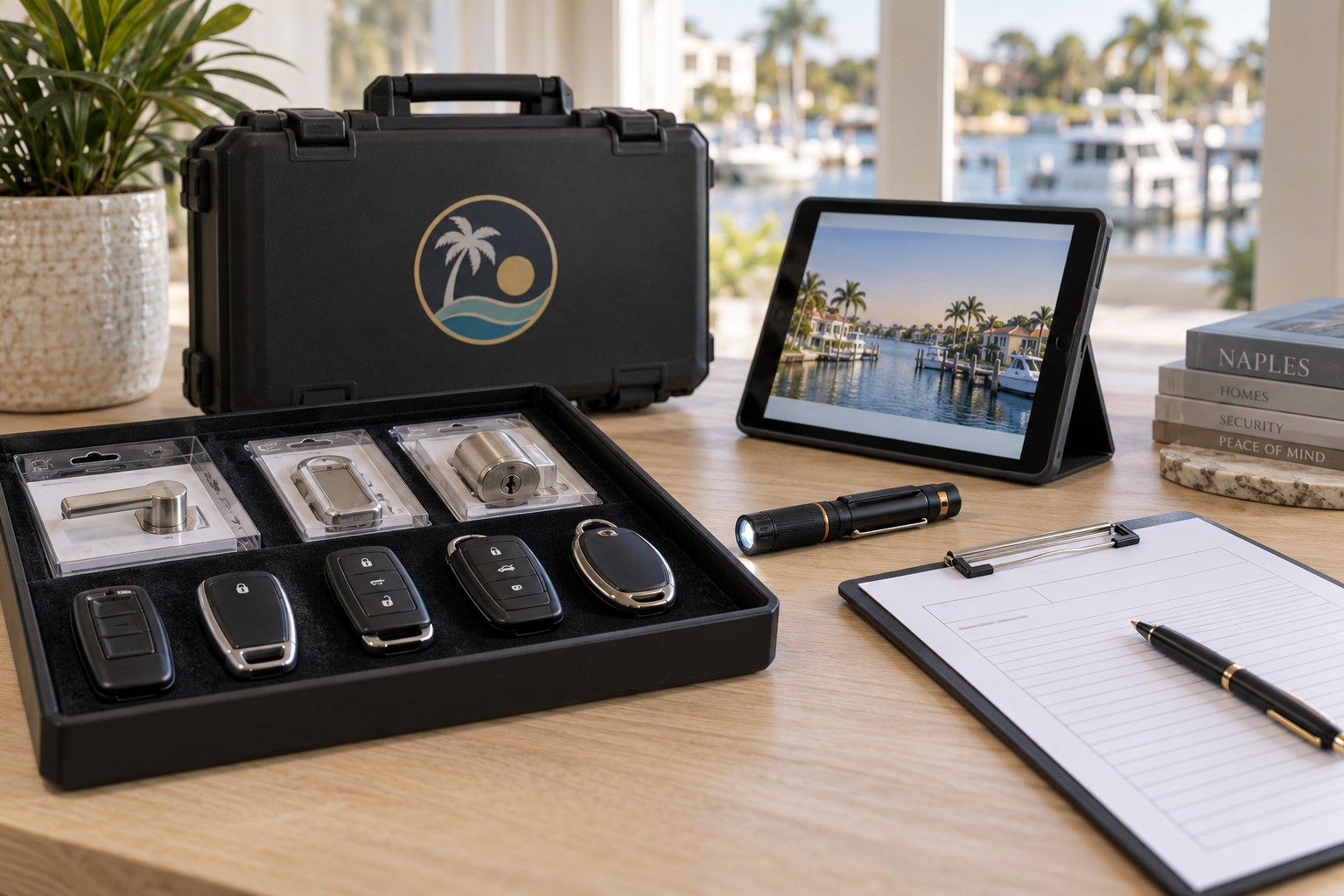
Smart locks are wonderful until the power goes out and the keypad stops answering. Hurricane season outages can drain batteries, confuse connected hubs and leave a household standing at its own front door. This page explains what actually fails, how to get in, what a technician does about it, and how to choose and care for hardware that always has a physical way inside.
What Really Happens to a Smart Lock in an Outage
Most smart locks run on batteries inside the lock body, not on house power, so a neighborhood outage by itself should not stop the lock. The trouble comes from the layers around it. A lock that depends on a Wi-Fi bridge, a hub or a phone app loses those features when the router goes dark. The keypad may still work, but app unlocking, remote access and automatic schedules vanish until the network returns.
Outages also expose weak batteries. A lock that has been quietly warning of low power for weeks may finally give up during a long blackout. Heat in a closed house can shorten battery life, and high humidity can make contacts corrode. Some locks draw more current when they are struggling with a sticky bolt, so a door that binds in swollen weather drains batteries faster.
Finally, a power surge when service returns can damage electronics in some units. Lightning in a Gulf storm is a real risk for any connected device. Not every failure means the lock is ruined, but a lock that behaves strangely after an outage deserves to be inspected rather than ignored, because a flaky lock is a poor gatekeeper.
Getting Inside Right Now If You Are Locked Out
Start with the physical key. Most smart locks include a key cylinder, sometimes hidden under a cover plate on the keypad. If you have a key on your ring, try it. If the cover is stuck, check the manual for how to remove it, often a gentle pull or a small release at the bottom. Do not pry hard, since the cover is plastic and cracks easily.
Next, try the keypad with fresh power. Many locks have two external contacts on the underside where you can touch a nine volt battery for a moment to wake the electronics. The battery supplies just enough energy to accept your code and move the bolt. Check the manufacturer instructions for your model before trying it, because not every lock has this feature.
If neither works, call us. Describe the lock, the brand if you know it, and what it does when you press a button. A technician can open most residential locks without damage, but will first confirm that you own or are authorized to enter the property. Call us to confirm availability, and have identification and proof of residence ready.
- Look for a hidden key cylinder under a cover
- Try the emergency power contacts with a fresh battery
- Do not pry the keypad or force the bolt
- Call us if neither option works
How a Technician Opens a Dead Smart Lock
The method depends on the lock. If there is a key cylinder, it can often be picked or bypassed like a conventional deadbolt, which keeps the electronics intact. Some locks respond to a brief external power connection, which avoids touching the mechanism at all. Our goal is always to get you in without turning a dead battery into a broken door.
When the lock has no external key and no power access, the technician may need a more involved approach, such as working through the latch or bolt from the edge of the door, or removing screws with the lock disassembled. This takes patience and the right tools, and the choice of method depends on the door and lock, which the technician evaluates on arrival.
Afterward, the technician checks the lock thoroughly. They replace batteries, test the motor and keypad, and look for corrosion or damage. If the lock was weakened by the outage or by being forced earlier, we tell you honestly whether it should stay in service. A lock that cannot be trusted on a calm day will fail again during the next storm.
Battery Habits That Prevent the Next Lockout
Treat the batteries like those in a smoke detector. Replace them on a schedule, not when the lock complains. Many owners pick a date each season, such as the start of hurricane season and the start of winter, and change the batteries together with those in other devices. Use quality alkaline or lithium cells as the manufacturer recommends, never mixed old and new.
Pay attention to warnings. A slow motor, a dim light, a beep before the bolt moves or an app notice saying battery low all mean the lock is on borrowed time. Cold or humid conditions can drop battery voltage, so a lock that works at noon can fail at midnight. Keep spares in the house, but not locked inside the garage you cannot enter.
Check the contacts when you change the cells. Clean any white or green residue with a dry cloth, and make sure the battery cover seals firmly. A lock exposed to blowing rain or salt spray may have moisture inside. If you find corrosion, the lock should be inspected, since it may be failing in ways that batteries alone will not fix.
Choosing Hardware With a Physical Override
If you are shopping for a smart lock, a physical key override is the most important feature. It means that no matter what fails, a battery, a circuit, a software update, a key still opens the door. Some sleek models hide the key slot or drop it entirely. Those can look elegant and become expensive problems the first time something goes wrong.
Think about the full chain. Does the lock need a hub? Does it require a cloud service to work remotely? What happens if the company changes its app or ends support? A lock that works locally by keypad and key, with optional smart features on top, is more resilient than one that depends entirely on the internet.
Also consider the weather. Look for a model rated for outdoor exposure, with sealed electronics and a finish that resists salt air. Ask how the lock behaves when the battery is critically low, and whether it signals clearly before failing. We are happy to talk through options before you buy and install what suits your door and habits.
Hurricane Season Planning for Connected Doors
Before a storm, take a few minutes to prepare your doors. Check batteries, confirm you can find the physical key, and make sure family members know where spares are kept. A key hidden in a place the family can remember, but a stranger would not guess, is useful if someone is locked out later.
Plan for no network. Write down the keypad codes and keep them somewhere safe and offline. If you rely on a phone app, remember the phone battery may die too. Make sure at least two household members have a way into the house that needs neither internet nor a charged phone.
After the storm, test each lock before you leave the house again. Operate the keypad, use the key from outside, and confirm that the bolt throws fully. Water, power surges and swollen doors all change how a lock behaves. If anything seems off, address it while the weather is calm and help is still available.
Vacation Rentals and Guests Locked Out
Rental owners depend on smart locks more than anyone, because the lock is how guests arrive. An outage on a changeover day can strand visitors who have no key. The sensible protection is a backup path: a lockbox with a key kept somewhere separate, or a neighbor or manager who can reach the property.
Do not rely on guests to improvise. Provide clear instructions in advance about what to do if the keypad is not responding, including a number to call and the location of any emergency entry. Never ask guests to force or disassemble the lock. A damaged lock can cost far more than a delayed check in.
Owners who live elsewhere should keep their own record of codes and battery changes. A log of when batteries were replaced prevents a surprise failure during a busy week. Call us if you manage several properties and want to discuss a consistent setup that keeps entry simple even when the power is out.
Condos, Gated Communities and Access Systems
Smart locks are only one layer in many Naples communities. A condo tower may have a front desk, key fobs and elevator controls that depend on building power. A gated community may use entry gates and guest lists run on backup generators that can falter. Even if your unit lock works, reaching it may not be straightforward during an outage.
Know the building's emergency procedures. Ask the management office how residents get in when systems are down, who holds emergency keys, and whether the association restricts the type of lock you can install. Some buildings require that management retains access, which affects which smart locks are permitted.
If your lock must be replaced or reset, check the association rules first so the work does not conflict with building policy. We confirm that you own or are authorized to change the unit's lock before beginning. For high-rise units with fire rated doors, hardware choices are limited, and we explain what will and will not fit.
Resets, Codes and Security After a Failure
When a smart lock fails and is opened or replaced, consider the security side as well. If the lock was reset, old codes may still exist in a connected app or hub. Review the list of users and delete anyone who no longer needs access. A fresh start is a good time to remove outdated codes.
Change the master or programming code if you suspect anyone saw it during the emergency. Avoid obvious sequences like birthdays or repeated digits, and do not share the master code with guests. Give each person their own code so you can remove it later without affecting others.
Check software too. Some locks receive updates, and an outage may interrupt one. Confirm the lock is running the current version and that the app connects properly. If the manufacturer has ended support, think about whether the lock should remain your primary protection. Our job is to help you make a calm, informed choice.
Keeping a Reliable Key Backup Plan
A good plan means anyone with a right to enter can do so under any condition. That might include a spare key in a lockbox, a key left with a trusted neighbor, or a second entry that uses a conventional lock. Choose carefully, since every backup is also a potential weakness.
Avoid hiding keys under mats, in planters or inside electrical boxes, since those places are well known. A lockbox mounted properly and reset to a new code is a better choice than a casual hiding spot. For seasonal residents, a manager or friend who holds a key for the summer months is often the most dependable option.
Review the plan every year. Ask whether the people who hold keys still need them, whether codes have been changed, and whether batteries are current. A five minute annual review keeps the system honest and reduces the odds of a stressful call during the next outage.
Humidity, Salt Air and Electronics at the Front Door
A smart lock is a small computer bolted to a door, and Gulf weather is hard on small computers. Humid air carries moisture into any gap, salt settles on contacts and screws, and heat inside a closed entry can bake plastic parts and weaken seals. A lock that sits in direct afternoon sun on a west facing door ages faster than one under a deep porch roof.
Look at where the lock is mounted. Models intended for covered entries are not always ideal for exposed doors by the water. A keypad that feels sticky, a display that fogs, or buttons that need extra pressure suggest moisture has found its way in. Wipe the keypad gently with a damp cloth, avoid pressure washing near the lock and keep sprays away from the seams.
Maintenance helps. Open the battery compartment during each change, inspect the gasket, and look for rust on springs and terminals. A thin film of dielectric grease on contacts, used sparingly and only where the manufacturer allows it, can slow corrosion. If you see heavy buildup, the lock may be nearing the end of its life, and replacing it on your schedule beats replacing it in a storm.
Mixing Old and New: Keeping a Conventional Lock as Backup
Some of the most dependable homes pair a smart lock on the main door with a conventional deadbolt on a secondary entry, or even a second keyed deadbolt above the smart one. If the electronics fail, the household still has a simple mechanical path. The cost of this redundancy is small compared with the stress of being locked out in a storm.
A mechanical deadbolt also helps with security. Smart locks are convenient, but some owners prefer to lock a conventional bolt when leaving for an extended period, such as the summer months. Engaging it adds a barrier that does not depend on batteries, codes or networks, and many owners find it reassuring when they are far from home.
If you already have a smart lock and wonder whether to add a backup, call us and describe the door. We can discuss whether a second lock fits the frame, how it affects daily use, and whether keying both locks alike makes sense so one key serves both. The aim is a layout that is simple enough that everyone in the household uses it correctly.
Getting Help With a Dead Smart Lock
Call us and describe the lock: the brand, what the keypad does, whether there is a key slot, and whether you are inside or outside. We explain what a visit would involve and give a phone quote for straightforward work. Call us to confirm availability for the time you need.
If the lock is complicated or damaged, a technician visits first and the service call charge is explained before dispatch. We confirm ownership or authority before opening or replacing a lock on any property, which is a standard step that protects you.
When the work is complete, test the lock together with the technician. Try the keypad, the key from outside and the interior handle. Ask about battery type and replacement timing so you leave with a plan. A dependable lock is one you rarely think about, and that is the aim.
If you are still without power while you wait, keep the door secured in the simplest way available and let someone know where you are. Avoid leaving the home unlocked just because the keypad is not responding, and do not leave the physical key in the lock or under the mat. A calm phone call is the best first step.
Frequently asked questions
Will a power outage stop my smart lock from working?
Most run on internal batteries, so the keypad usually still works. Features that need Wi-Fi or a hub, such as app unlocking, stop until the network returns. Weak batteries often fail during long outages, so check them before storm season.
What if my smart lock has no key slot?
Look for emergency power contacts on the underside to wake the keypad with a nine volt battery. If that does not work, call us. A technician will confirm you have authority to enter, then open it using the least damaging method for your lock.
Should I choose a smart lock with a physical key?
Yes. A key override means a dead battery or failed electronics never leaves you outside. Look for weather rated models with sealed electronics, and ask what happens when the battery is critically low.
How often should I change the batteries?
Follow the manufacturer guidance and replace them on a schedule instead of waiting for a warning. Many owners change them at the start of hurricane season and again in winter, using quality cells and cleaning the contacts.
How is the work priced?
Straightforward openings and battery or lock replacements are quoted by phone. If the situation is complicated, a technician visits first and the service call charge is explained before dispatch, so you understand it before agreeing.