
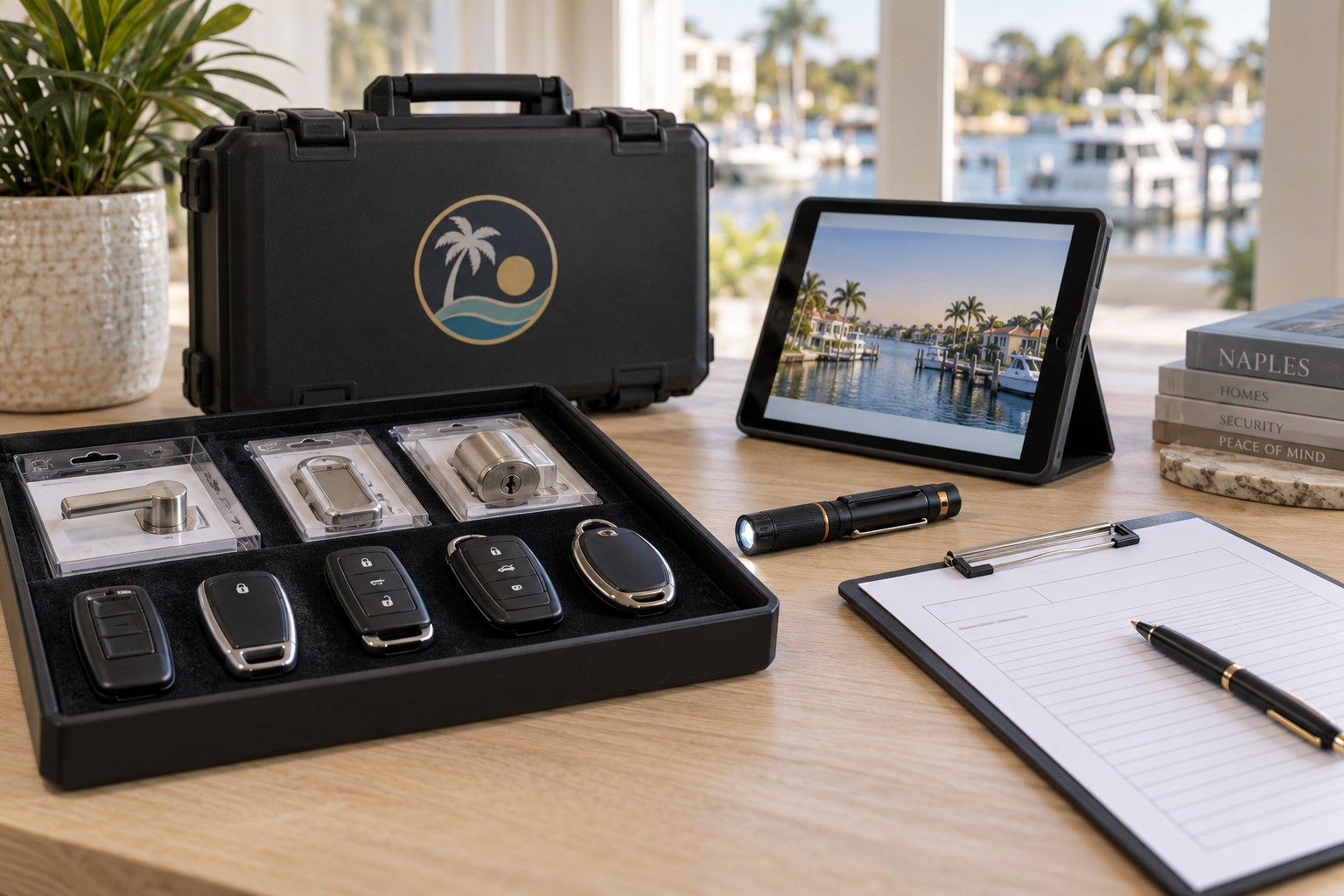
Keypad and app controlled locks can simplify life in a place where guests, cleaners, family and seasonal visitors all come and go. They also bring new questions about doors, batteries, backup keys and who gets a code. This page explains how a technician approaches smart lock setup in Naples, and how to choose a lock that fits your door and your habits.
What counts as a smart lock
The term covers a wide range of hardware. At the simple end is a keypad deadbolt, where you press a code on a panel to unlock the door and no phone is needed. Next are locks that connect to an app by Bluetooth or a home network, letting you lock, unlock and share access from a phone. Others add a fob or a card, a fingerprint reader, or a small hub that connects the lock to your wider system.
What they share is that the physical bolt is still a mechanical part. Behind the electronics, a motor or a manual thumb turn moves a metal bolt into the frame, just like a traditional deadbolt. The quality of that bolt, the strike plate and the door matter as much as ever. A clever lock on a weak door is still a weak door, and we make sure the foundation is sound before the electronics go on.
Different households need different things. A family with children who lose keys might choose a simple keypad. A host with a vacation rental might want codes that expire. A seasonal resident might want to check from afar that the door is locked. A technician starts by asking how you live, rather than starting with a product, and then explains which kind of smart lock fits.
Will it fit the door you already have
Most smart locks are designed to replace a standard deadbolt in the existing hole, so many doors need no new drilling. Still, doors vary. The distance from the door edge to the center of the bore, known as backset, is typically one of two common sizes, and the hole must be the standard diameter. Door thickness also matters, since the lock must reach the thumb turn and cylinder on both sides.
Some doors need more thought. Glass paneled doors, narrow stile doors and doors with built-in decorative plates may not leave room for a bulky keypad housing. Steel and fiberglass doors are fine but may require specific mounting hardware. Impact-rated doors, common in coastal homes, should not be recut without care, and we work with the bores that are already there.
The technician measures and inspects before suggesting a product. If the door does not suit a particular model, we say so and look at other options, including a retrofit unit that keeps your existing deadbolt and adds electronics only on the inside. Retrofits are useful for rentals or condos where the exterior look must stay unchanged, and they work with the cylinder you already own.
Batteries, power and the habit of checking
Almost every smart lock runs on batteries, usually four AA cells, and how you treat them determines how reliable the lock is. Most units warn you when the charge is getting low, through a blinking light, a sound or a notification in the app. That warning is not decoration. Change the batteries when it appears, rather than waiting for the lock to die on a day when you have guests arriving.
Heat and humidity shorten battery life more than people expect. In a Gulf Coast summer, a door that bakes in afternoon sun can stress cells. Use good quality alkaline or lithium batteries as the manufacturer recommends, and avoid mixing old and new ones. A technician can show you where the battery compartment is and how to change it without losing your programmed codes.
Most locks include an emergency power option, such as contacts on the outside where you can touch a nine volt battery to wake the keypad. We show you how it works during setup so you are not surprised later. For rentals, build a routine: check the battery status on a regular schedule, and replace cells before a busy week. A small habit prevents most smart lock problems.
Why a physical backup key still matters
Electronics can fail. A dead battery, a jammed keypad, a software glitch or a power surge during a storm can all stop the electronic side of a lock from responding. A physical key backup is the safety net, and most smart locks include a conventional keyway hidden behind a cover or built into the lock body. We recommend keeping that backup in working order.
Where you keep the backup is just as important. Do not hide it near the door where anyone can find it. A trusted neighbor, a lockbox with a controlled code or a key kept by the property manager are better choices. Some owners keep a key in a vehicle or with a family member nearby. Whichever approach you choose, decide it ahead of time rather than during a lockout.
Some smart locks have no key cylinder at all, relying on power or code alone. They can be convenient, but they leave you with fewer options when something fails. We discuss this tradeoff candidly. For a full-time home with a garage entry as an alternative, a keyless-only lock may be fine. For the only entry to a rental, we usually advise a lock with a real key backup.
Managing guest codes in a vacation rental
Codes are the main advantage for rentals. Instead of handing a physical key to each guest and hoping it comes back, you can give a unique code for the length of a stay and remove it afterward. Many locks allow scheduled codes that start and stop automatically, so the code works only from check-in to check-out. This closes a long-standing gap in short term hosting.
Good code habits matter. Avoid obvious sequences such as repeated digits or the last digits of a phone number. Give each guest their own code instead of reusing one, and keep a list of codes you have issued. Remove old codes on a schedule, and change the master code now and then, especially after a cleaner or a contractor who knew it no longer works for you.
Remember that a code is still a form of access. If a guest shares it with others, you may not know who enters. Check the lock's activity log if it has one, and consider adding other safeguards in line with the rules of the rental platform and your community. We help you set up codes during installation and explain how to manage them, but decisions about guests remain yours.
Full-time homes, children and aging relatives
For households that live in the home year round, a smart lock can solve small daily frustrations. A child who loses a key can use a code. A relative who has trouble with small keys can press large buttons instead. A caregiver, a pet sitter or a delivery of groceries can be given brief access without a copy of your key ever leaving your hands.
Convenience should not come at the cost of safety. Make sure the inside thumb turn or release is easy to operate, especially for older relatives, and that everyone in the home knows how to unlock the door quickly in an emergency. A technician can adjust the lock's behavior, such as turning off auto lock if it creates confusion, or setting a delay that suits your household.
Think also about who needs to know the code and how often it changes. A family code that never changes is a risk if a former helper once knew it. Treat it like a key you can retire. Rotating codes after a service visit, a party or a long stay is simple with a smart lock, which is one of the clear advantages of the technology.
Condos, associations and shared entries
Condo towers and managed communities often have rules about door hardware. Some buildings require that the exterior look match, others specify approved models or require a key to be kept on file for emergencies. Before installing a smart lock on a condo unit, check with the association or management office about what is allowed. We can help you ask the right questions.
Fire rated doors, common in multi-unit buildings, must keep their rating. That limits how the door can be altered, and the lock must be listed for use on such a door. A retrofit that keeps the existing bore is often the cleanest answer. The technician looks at the label on the door edge and explains what can and cannot be done.
Wireless signal can also be a concern in dense buildings. Bluetooth works at close range, but a lock that depends on a home network or hub needs a stable connection. Thick concrete walls and long hallways can weaken signals. We talk through these details before you buy, so the lock you choose will behave well in your specific building.
Security, privacy and sensible expectations
Any device that connects to a network brings some risk, and smart locks are no exception. Use a strong, unique password for the app account, enable any two step sign in the manufacturer offers, and keep the lock's software up to date. Share app access only with people you trust, and remove it when it is no longer needed.
It is also wise to be realistic. A smart lock is not automatically more secure than a good mechanical deadbolt. It brings convenience and control, and a quality model adds real security features, but a strong door, a solid strike and sensible habits are still the foundation. We would rather tell you honestly what a product does and does not do than oversell it.
Privacy matters too. An activity log may record who comes and goes, and some apps store location or schedule information. Understand what the lock collects, who can see it and how to remove it. If you manage a rental, let guests know if there is a recording device or log, in line with the platform's rules. Clear expectations avoid awkward moments later.
Setup day, from start to finish
On the day of installation, the technician first confirms ownership or authority, since a new lock changes who can enter. After that, they remove the old deadbolt, test the door and strike, and mount the new lock. The inside and outside units are connected, the batteries inserted, and the bolt tested by hand to make sure it moves without strain.
Next comes programming. The technician sets the master code, adds any user codes, pairs the lock to your app if you want it, and checks the settings such as auto lock and volume. You get a walk through of each function, and we encourage you to try everything yourself while we are still there. We also demonstrate the emergency power option and the backup key.
Before leaving, we confirm that the lock works from both sides, that the door closes and latches without resistance, and that you know how to change a code. We suggest writing down the master code and storing it securely rather than leaving it on a sticky note. If something looks off later, call us, and we will help you work through it.
Quotes, scheduling and what we need from you
Smart lock work depends on the model, the door and whether any extra preparation is needed, so we do not post fixed amounts. Call us, describe the door and what you want the lock to do, and we give you a quote by phone. If the job is complicated, a technician visits and the service call charge is explained before dispatch.
If you already own a smart lock, tell us the brand and model. We can often install it and set it up the way you want. If you do not have one yet, we can talk through choices that suit your door without pressure to buy any specific item. We do not promise arrival times, and we ask you to call to confirm availability.
A few things help the visit go smoothly. Have your phone ready with the lock's app installed if there is one, make sure you have your home network details handy, and decide who needs codes before the technician arrives. Having the owner or authorized manager present lets us confirm authority, and it keeps the setup quick and clear.
Storms, power cuts and hurricane season habits
Hurricane season is a fact of life here, and it is worth thinking about how a smart lock behaves when the lights go out or the network drops. A battery powered lock keeps working during an outage, because it does not depend on household electricity. A lock that relies on a hub or internet connection for remote features may lose those features while the router is down, even though the keypad and the bolt still operate locally.
Before a storm, check the batteries and make sure you know where the backup key is. If you evacuate, tell the people who will look after the home how to get in, and avoid sending codes through an unsecured message. If shutters are closed over a door and you need to leave in a hurry, practice the lock sequence once so it is familiar and calm when it counts.
After a storm, test the lock before you assume all is well. Humidity, wind driven rain and surges can affect electronics, and a door that has swelled may bind against the bolt. Wipe the exterior, try the keypad, and operate the bolt by hand. If anything feels sluggish or the keypad shows odd behavior, call us to confirm availability and describe the symptoms.
Finally, keep records separate from the lock itself. Write down the master code and the backup key location in a place you can reach even if your phone is lost or flooded, such as a sealed folder with your other important home papers. A little planning ahead means that a storm, a dead phone or a power cut becomes a nuisance, not a crisis at your own front door.
It also helps to tell family members, property managers and any trusted neighbors what to do if the lock stops responding. A short note listing the steps, such as trying the emergency battery contacts first, then the backup key, and then calling us, removes guesswork. People under stress tend to try random things, and a written sequence keeps everyone calm. Review the note once a year, at the start of the season, and update it whenever you change a code or a person.
Frequently asked questions
Will a smart lock fit my existing door?
Most are designed to replace a standard deadbolt in the existing hole, but door thickness, backset, glass panels and special doors can affect fit. A technician measures first. If a particular model will not fit, we suggest alternatives, including retrofit units that keep your current deadbolt and add electronics inside.
What happens if the batteries die?
Most locks warn you well before that, and many have contacts on the outside where a nine volt battery can briefly power the keypad. Nearly all also offer a backup key. We show you how each works at setup, and we recommend replacing batteries when the first warning appears.
Can I give guests codes that expire?
Many models allow scheduled or temporary codes that start and stop automatically, which suits vacation rentals. Check what your lock supports. We help set up codes at installation and explain how to add and remove them, though how you manage guests remains your decision.
Do I still need a physical key?
We usually advise it. Electronics can fail from batteries, glitches or storm surges, and a key backup gives you a safe fallback. Some locks have no key cylinder at all, which can be fine for a full-time home with another entry but riskier for a single-entry rental.
Are smart locks allowed in my condo?
It depends on your association. Some buildings require approved models, specific finishes or a key on file, and fire rated doors limit alterations. Check with management first. We can help you prepare questions, and we confirm your authority over the unit before changing any lock.